How to Use the Terminal to Access Notebook Machines
Validated on 14 Dec 2023 • Last edited on 22 Jan 2026
Notebooks are a web-based Jupyter IDE with shared persistent storage for long-term development and inter-notebook collaboration, backed by accelerated compute.
For notebooks, the terminal has root access to the underlying machine.
Gaining Terminal Access in Notebooks
To open a terminal, in the left sidebar, either select Terminal while your notebook is in a Running state or in the lower left-hand corner, click the + button.
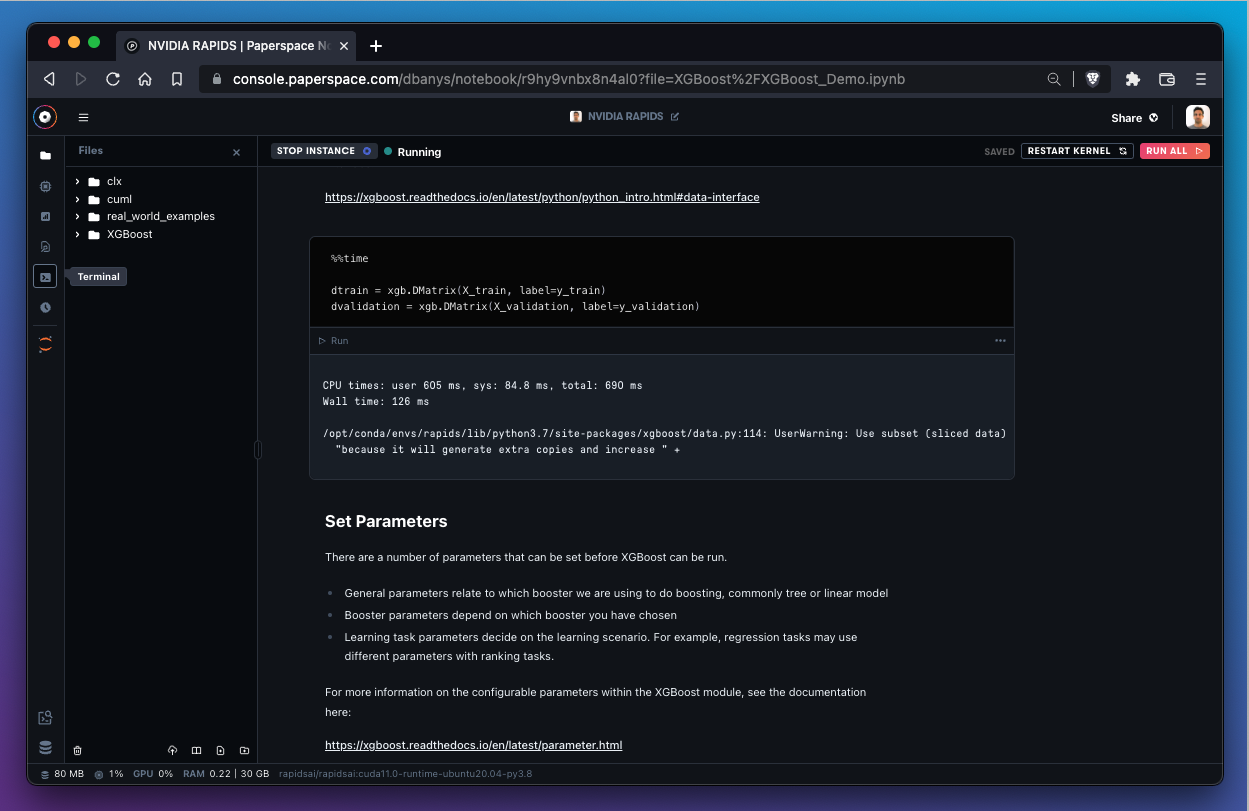
There is no limit on the number of terminal windows that may run simultaneously.
Using Bash in Your Terminal
To use bash, enter the following command in the default shell:
bash